
Comparing online signature tools for your team?
Get volume pricing for your team. Tell us how many seats you need and we’ll send a custom quote
eIDAS compliant
End-to-end encryption
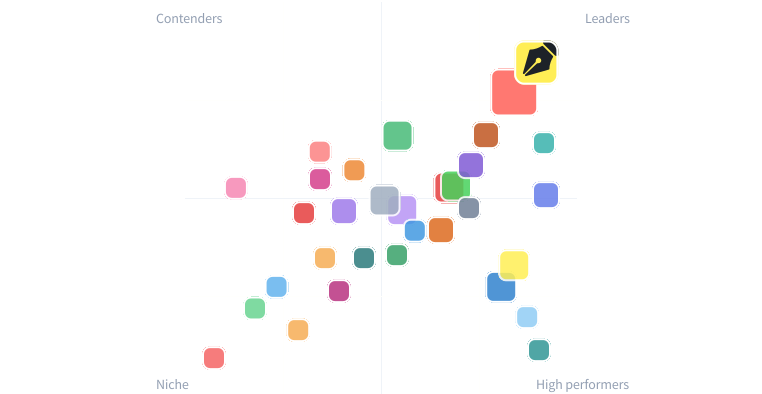
See why 10,000+ teams have switched to Sign.com
Transparent pricing, butter-smooth UX, and real support. What every eSign user deserves — and what Sign.com delivers.

Hear it from teams just like yours
Stay in control with activity tracking, audit trails, automated reminders, and verifiable digital sealing. Optimize workflows, increase productivity, and hit those goals.
Read more testimonialsDoasDotFun - B2B SaaS
I love your platform. It's been the easiest eSign experience for me and I've tried both dropbox and docusign. Keep up the good work.MyRemoteLender - Mortgage Advisor
I just used sign.com and liked the experience better. I'm currently using docusign though at scale and we do like 30+ docusigns per month. We paid for 100 documents up front. Which I don’t like. I don't like that docusign charges you after certain envelopes even though we're paying a monthly retainer.We’ve simplified signatures so you can get back to work
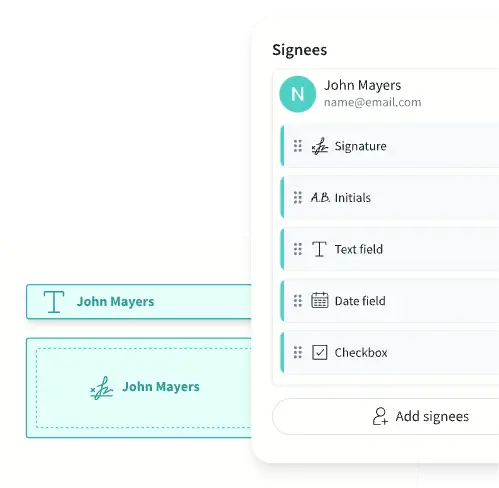
Send signature requests
Make it easy for other parties to sign contracts with predefined fields.
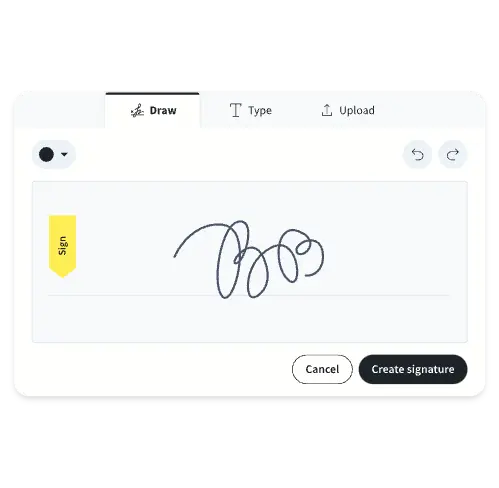
Create your signature easily
Draw, type, or upload your signature for quick, error-free signing in seconds.
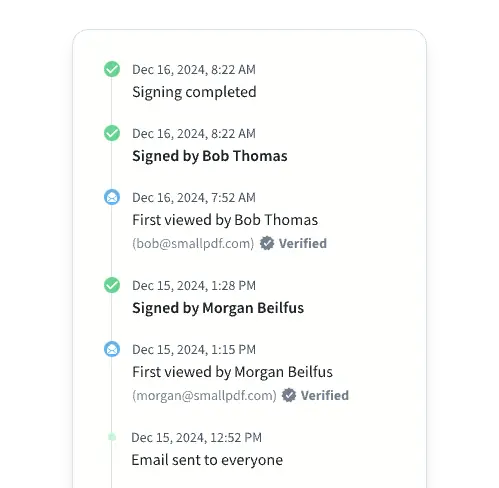
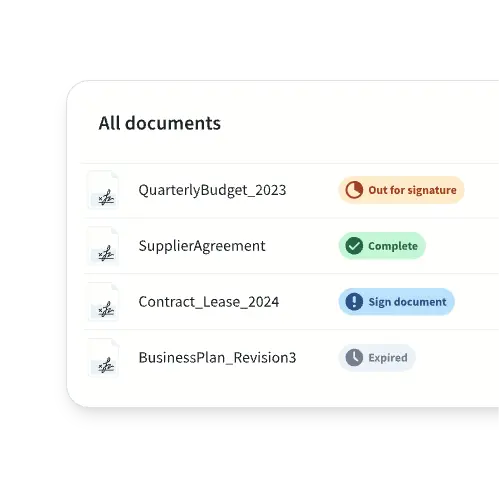
Keep track of progress
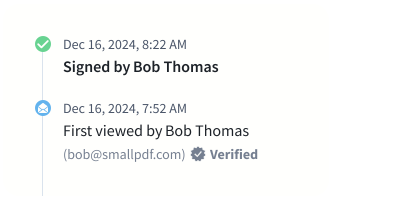
See document history in a glance. You know who did what and when—check.
Give signees a nudge
Still waiting for them to sign? Set automatic reminders to keep things moving.
Pick your plan. We make this part easy too.
Get both Smallpdf and Sign.com with one subscription.
See plansFREE
USD
0
/year
2 documents a month
Activity timeline
Basic signing
Premium
USD
7
/month
billed yearly
Unlimited documents
Unlimited signees
Unlimited templates
Digital sealing
Sign.com + Smallpdf
From USD
10
/month
billed yearly
Everything from Premium, plus:
30+ PDF and AI-powered tools
Team and business plans available
7-day free trial—cancel anytime
Sign.com Premium subscription included with all Smallpdf plans
Teams
USD
6
/month per member
billed yearly
Everything from Premium, plus:
Team management
Ownership transfer
Annual total
USD 144
Who uses Sign.com?

Small businesses
Simplify contracts and agreements so you can get to business.

Operations teams
Streamline transactions with secure, legally binding signatures.

Freelancers
Close deals faster with a reliable, mobile-friendly platform.

People like you
Got documents to sign? Make it easier on yourself and your clients.
Work fast with templates
Save your most used contracts as templates. No uploading and editing a new document every time—handy!

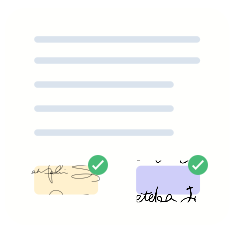
Serious contracts done simply

You and your clients can even sign from your phones. It’s that easy.

Tired of software installs and updates? With Sign.com, you just upload, sign, and share.

Can you use the internet? Then you can get secure signatures in seconds.

Don’t worry, your signatures are legally valid according to eIDAS standards.
Trouble-free tracking
Status tracking is set up automatically. So you know who to follow up with, and when your job is done. Easy for you, easy for them.

How to easily sign a document
Step 01: Upload your PDF or Word document
Step 02: Add your signature to the document
Step 03: Add recipients and set the signing order
Step 04: Track and store your signed documents
If you have any questions, issues, or feedback for Sign.com, please don’t hesitate to let us know. Our team is here to help.
Frequently asked questions
If you’re unable to find the answers to your questions, please don’t hesitate to Contact us.